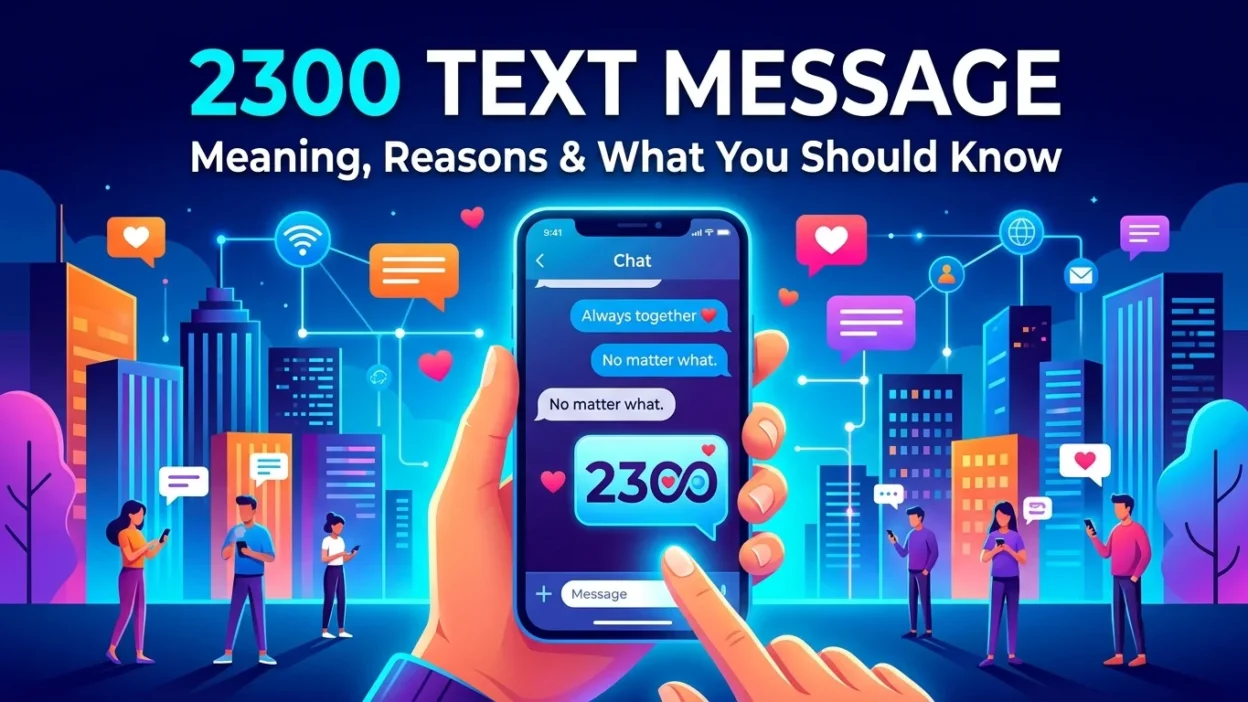
Have you glanced at your phone bill recently and noticed a number that doesn’t look like a standard phone number? You’re not alone. Many people see charges or entries for a “2300 text message” and wonder what it means. This isn’t a message you’ve sent or received in the traditional sense. It’s actually a technical code. Your phone uses this code to handle media and group chats. This guide explains what the 2300 text message code means. You’ll learn why it appears on your statement. You’ll also discover how to manage it.
What Is the 2300 Text Message Code?
In mobile phone billing, the “2300 text message” isn’t a number you can call or text back. Mobile carriers use it as an internal routing code. T-Mobile and its network commonly use this code. It appears on your billing statement. It accounts for the data and system processes involved in sending or receiving certain types of messages.
A System Code, Not a Person
Many people misunderstand the 2300 code. It is typically not a person sending you a text. It’s also not a shortcode for a marketing campaign. Instead, it functions like a background process. It tracks how your phone handles multimedia messages (MMS). This ensures the delivery of pictures, videos, and group texts.
The Technical Explanation
Think of the 2300 code as a “receipt” or a “routing ticket.” It manages your multimedia messaging service (MMS). Mobile carriers use these system codes to manage complex delivery. They handle data-intensive messages like pictures, GIFs, and video clips. They also manage read receipts and reactions, like a “like” on a photo. Each time your phone or the carrier’s network processes one of these actions, the system may log it with this code.
Why Does 2300 Appear on My Phone Bill?
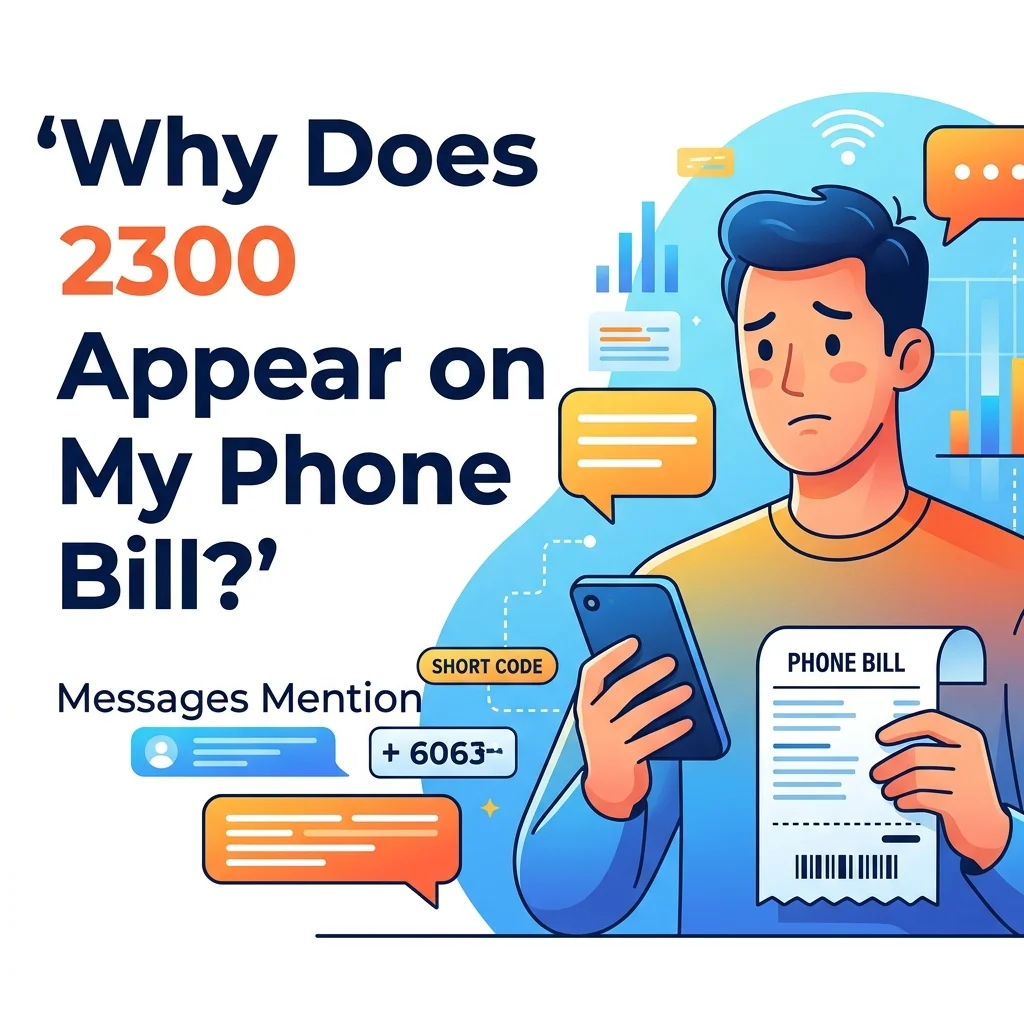
The 2300 text message code typically appears as a line item for messages sent or received. However, the way this works depends on your specific carrier and plan.
On T-Mobile Networks
Across multiple T-Mobile community discussions, a clear pattern has emerged. The 2300 code is for MMS routing on the T-Mobile network. The carrier’s support team has clarified this point. The code handles “Multimedia Messaging routing.” It delivers important data like pictures and group messages. This system is distinct from the 128 code, which handles voicemail notifications.
What Triggers a 2300 Charge?
Several common mobile activities can trigger the 2300 code. These include:
- Sending or receiving a picture, screenshot, or GIF.
- Receiving or sending a video.
- Participating in a group message.
- Someone “likes” or reacts to a message or photo.
How It Shows Up on Your Bill
The appearance of the 2300 code depends on your mobile plan. If you are on a pay-per-use messaging plan, each MMS message might appear as a separate “2300” item. Many users report seeing the code 8 to 10 times in a row. This reflects multiple MMS messages sent or received over a short period. If you have an unlimited text and data plan, you may not see itemized charges at all. The 2300 code and its associated messages are typically included in your unlimited allowance.
Common Reasons for 2300 Text Message Charges
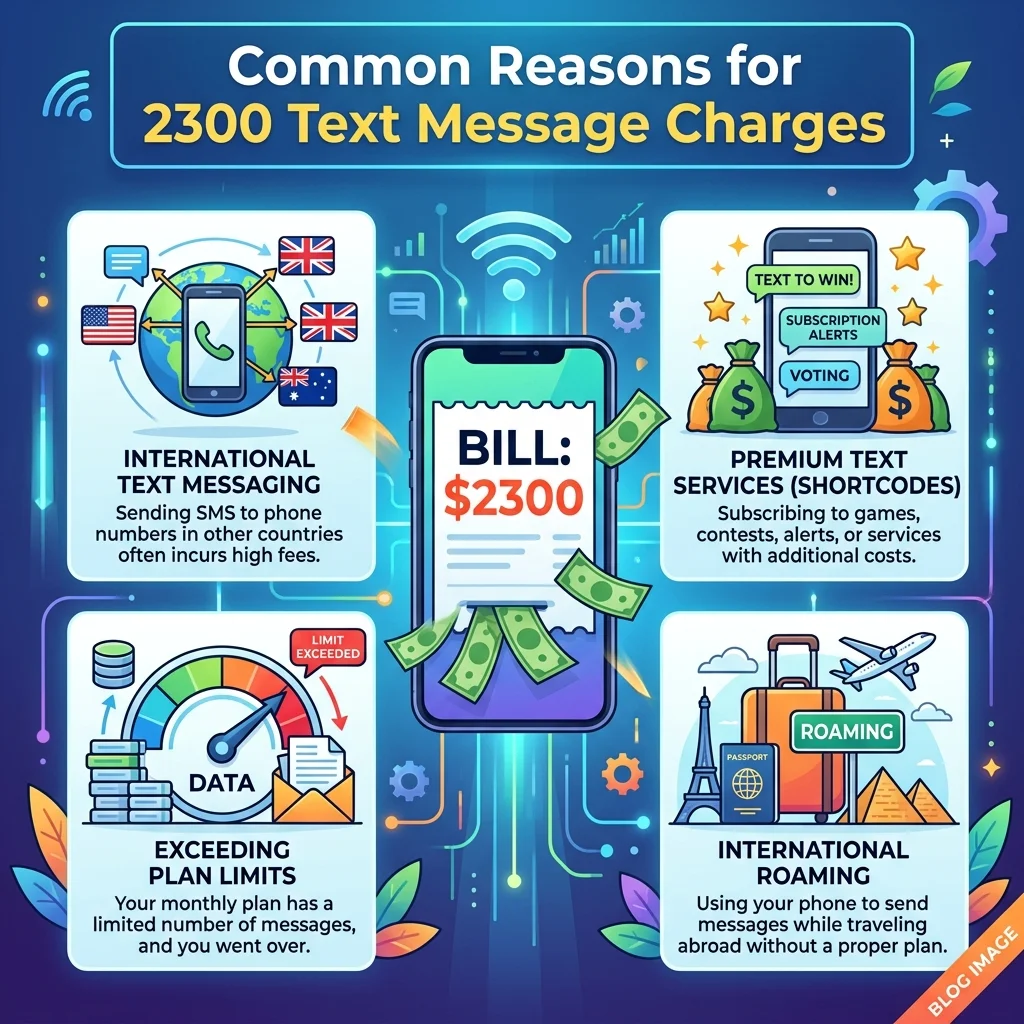
Understanding the root cause of these charges can help alleviate your worry. Many users feel worried when they first spot this unfamiliar code on their bill.
Picture and Video Messages
One of the most common reasons for the 2300 code is sending or receiving multimedia messages (MMS). When you send a high-resolution photo to a friend, the carrier’s system routes that data. The system then logs the activity with this code.
Group Chats and Reactions
Group texts are also a major contributor. Each “reaction” (like, love, haha, etc.) on a message can trigger the 2300 code. This applies to both group chats and standard SMS. The reaction isn’t a simple text. It’s a small piece of data that needs processing and delivery.
App-Related Communications
Several users have reported that the 2300 code appears when they use specific apps like DoorDash. This suggests that the system code might also route automated communications. It may handle notifications or confirmations from some third-party applications.
Is This a Scam or Something to Worry About?
This is a common initial reaction. When an unknown number appears on a bill, the immediate concern is often fraud or unwanted charges. However, the 2300 text message code is generally not a scam.
The 2300 Code Is Typically Legitimate
According to carrier support channels, the 2300 code is a legitimate system feature. It is not a sign of fraud. It is a billing code that tracks a specific service type. The carrier’s automated system typically processes these messages. They are not from an individual or a marketing company.
When to Consider It Unwanted Activity
While the system itself is legitimate, the messages logged under the 2300 code could come from an unwanted source. For example, you might receive a high volume of MMS messages from an unknown number. These may appear under this code on your bill. In this case, it’s the sender you might want to block, not the 2300 code itself.
How to Stop or Block 2300 Text Messages
Here’s a key detail to understand: you can’t “block” the 2300 system code itself. It’s not a phone number. The solution depends on whether you want to stop the messages that are being processed under this code.
Blocking Messages from a Specific Sender
If you are seeing a high volume of messages from a specific number under the 2300 billing code, you can block that sender. Most phones have a built-in feature to block texts and calls from individual numbers.
Reporting Unwanted Messages as Spam
Mobile operating systems also offer a “report spam” option for unknown numbers. You can select the message in your text app. Then choose to report it as junk or spam. This helps your carrier identify and potentially block senders of unwanted mass texts.
Checking Your Account Settings
For T-Mobile users, check your account settings online or through the app. Ensure that you are not inadvertently blocking messages. If you enable “block chargeable messages” or a similar feature, it might interfere with legitimate MMS delivery. This could cause errors or confusing logs.
2300 vs. “23 Skidoo”: A Classic Slang Connection
It’s interesting to note that the numeric sequence “2300” shares a near-identical phonetic quality with the classic American slang phrase “23 skidoo.” However, the two are unrelated. “23 skidoo” was a popular expression in the early 20th century. It meant “get lost” or “go away.” People often associated it with the windy corner of 23rd Street and Fifth Avenue in New York City. There are also references in music. Jazz pianist Herbie Nichols composed an instrumental titled “2300 Skidoo” around 1955. While this historical trivia is a fun parallel, the modern 2300 text message code operates entirely within the technical framework of mobile communications. It is not a modern version of the old slang phrase.
Common Questions About 2300 Text Messages
What does “2300” mean on a phone bill?
On a phone bill, especially with carriers like T-Mobile, “2300” represents a system code for Multimedia Messaging Service (MMS) routing. The carrier uses it to track and bill for the delivery of pictures, videos, group messages, and message reactions.
Is “2300” a spam number?
No, 2300 is not a spam number you can block. It is an internal system code used by your mobile carrier. However, the messages processed under this code could come from spammers. If you’re receiving unwanted messages, you should block the sender directly.
Why do I see multiple 2300 texts on my bill?
You may see multiple 2300 entries because your phone is sending or receiving several multimedia messages. Each picture, video, or group message interaction gets logged as a separate MMS event. This can cause several entries to appear in a short time.
How do I stop 2300 from appearing on my bill?
The appearance of 2300 on your bill is often not something you need to stop. It represents legitimate usage. You can reduce its appearance by using fewer MMS services. Alternatively, switching to an unlimited text and data plan may consolidate these charges rather than itemizing them.
Is 2300 related to an app?
Yes, some users have reported that the 2300 code appears on their bill when they receive communications from certain apps, like DoorDash. This suggests that the code is used for automated SMS notifications from various services.
Can I block the 2300 code?
You cannot block the 2300 system code, as it is not a sender. It is a background process used by your carrier. Attempting to block it would not be effective. It could potentially interfere with your phone’s ability to send or receive MMS messages.
Conclusion
Finding an unfamiliar code like 2300 on your phone bill is often confusing. However, it is usually not a cause for alarm. The 2300 text message code is a standard system identifier. Mobile carriers use it primarily to route and log multimedia messages (MMS). It’s a behind-the-scenes process that ensures your pictures, videos, group chats, and message reactions reach their destination. While this code may appear as numerous line items on a detailed bill, unlimited plans most commonly bundle it without additional cost. If you see this code and feel concerned, it’s typically a sign that your phone and carrier are handling your multimedia data as expected.

Mr. Abdullah is a passionate writer who creates engaging, helpful, and easy-to-understand content for readers. He enjoys sharing fresh ideas, useful insights, and inspiring stories through MessageWritingHub.