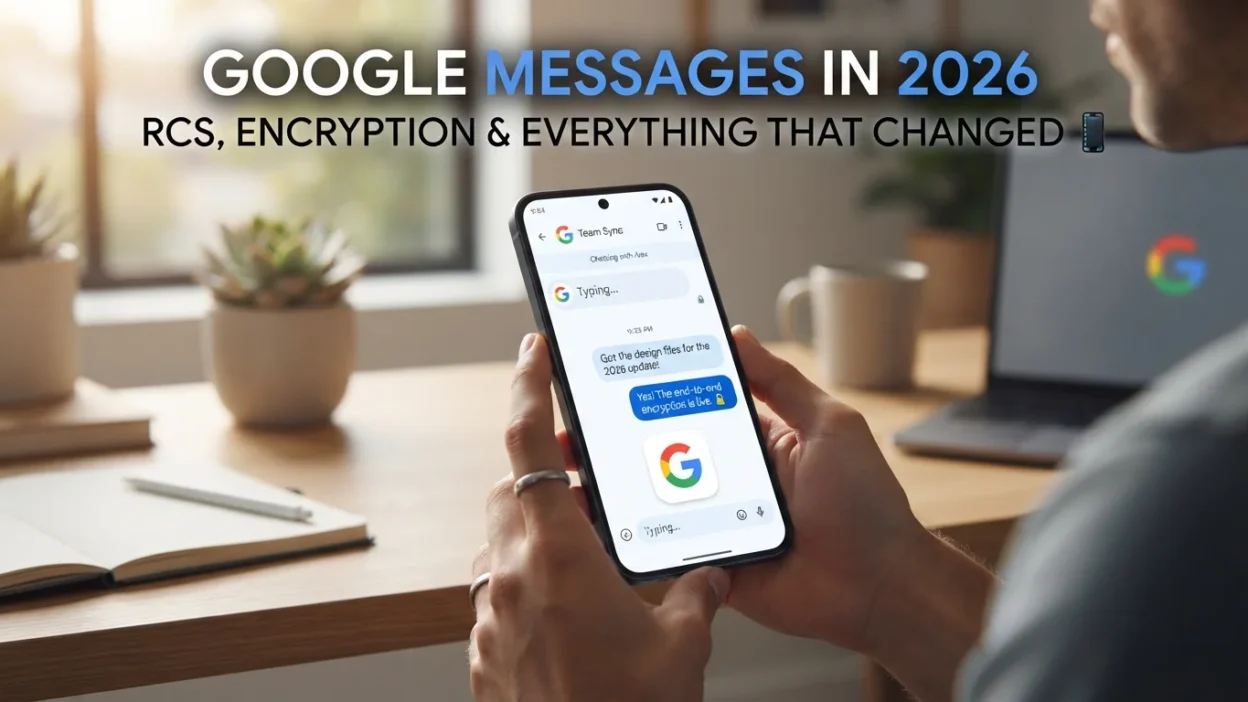
Google Messages has evolved far beyond a basic texting app. In 2026, it’s a full RCS-powered platform with end-to-end encryption, AI-driven scam detection, and cross-platform compatibility that finally bridges the gap between Android and iPhone. If you’re still thinking of it as “just SMS,” you’re missing what it’s become.
Here’s what actually matters about Google Messages right now, from the security upgrades to the features that still lag behind.
The Big Shift: RCS and Cross-Platform Encryption
The headline change is encryption. As of May 2026, Google Messages and Apple’s Messages app support end-to-end encryption for RCS conversations between Android and iPhone. This means neither Google, Apple, nor your carrier can read the contents of your messages when the conditions are right.
The conditions matter, though. Encryption only activates when both devices support RCS, both carriers support encrypted RCS, and you’re using the latest versions of each app. In a group chat, if even one person doesn’t meet those requirements, the entire conversation loses encryption. You’ll know it’s working when you see a lock icon and the word “Encrypted” in the chat.
This is a genuine milestone. For years, texting between Android and iPhone was stuck on outdated SMS with no encryption. That gap is now closed, at least in supported configurations. The green bubble remains, but the privacy gap it represented is shrinking.
Scam Detection: On-Device and Now in the Cloud
Google Messages already runs on-device machine learning to flag suspicious messages from unknown senders. In October 2026, Google added an opt-in Enhanced Protection mode that layers cloud-based Gemini analysis on top.
The difference is what it catches. On-device detection handles obvious fraud: fake delivery notices, urgent account alerts, suspicious links. Cloud Gemini analysis goes after slow-burn scams that build rapport over days before asking for money or credentials.
The trade-off is privacy. Enhanced Protection sends message content to Google’s cloud for analysis. If that’s a dealbreaker, the on-device protection stays active regardless. The feature is opt-in, and it’s rolling out first to recent flagships like the Pixel 10 series and Galaxy S26 lineup.
Visual Cues That Separate Business from Personal
One of the quieter but more practical updates addresses RCS marketing spam. Google redesigned business chats so they’re visually distinct from personal conversations. Business messages now use rounded-square icons while personal chats keep the familiar circular avatars. Verified businesses also display a checkmark directly in the chat, replacing the old shield icon that required an extra tap to confirm.
The result is simpler: you can tell at a glance whether a message is from a friend or a company trying to sell you something. Bulk deletion of promotional messages becomes easier when they’re grouped visually. It doesn’t eliminate spam, but it makes managing it less tedious.
What Google Messages Still Gets Wrong
For all its progress, Google Messages isn’t iMessage. A few gaps remain frustrating.
No inline text formatting. In 2026, you still can’t bold, italicize, or strikethrough part of a message. Every other major messaging app supports this. Google hasn’t shipped it.
The voice recording button won’t go away. It sits next to the text field, takes up space, and is easy to hit by accident. Unlike iMessage, there’s no option to hide it.
Multi-device sync is still half-finished. Google Messages syncs better than it used to, but switching between phone, tablet, and web client still doesn’t feel as seamless as iMessage across Apple devices.
Partial message copying is rolling out slowly. A long-press now lets you copy just a portion of a message in some versions, but the rollout has been uneven. Many users still have to copy the whole message and edit it manually.
New Features Worth Knowing About
Beyond encryption and scam detection, Google has been shipping smaller improvements throughout 2026.
Chat themes replace the old color options with nine dynamic themes and wallpaper collections. You can also upload your own background.
Google Keep integration is rolling out widely. You can create and share notes directly inside a chat without leaving the app.
Redesigned read receipts use circles and checkmarks to show sending, sent, delivered, and read status at a glance. Swiping left reveals timestamps and encryption status; swiping right replies to a message.
Gemini integration lets you chat with Google’s AI assistant inside Messages to draft texts, brainstorm ideas, or plan events. Note that Gemini chats are not end-to-end encrypted, so keep sensitive conversations out of that thread.
How to Set Up Google Messages Properly
Getting the most out of Google Messages starts with a few setup steps that many people skip.
Enable RCS Chats
Open Google Messages, tap your profile icon, go to Messages settings, and select RCS chats. Make sure the toggle is on. If your carrier supports it, you’ll see “Connected” and a status indicator. If it says “Setting up” or “Unavailable,” your carrier may not support RCS yet, or you may need to update the app.
Turn On Scam Protection
In the same settings menu, look for Spam protection and make sure it’s enabled. This activates on-device filtering for suspicious messages. For Enhanced Protection, look for the opt-in prompt in settings or wait for the rollout to reach your device.
Verify Encryption Status
Open any chat and look for the lock icon next to the contact’s name or in the message status area. If you see “Encrypted,” you’re good. If not, check that both you and the recipient meet the requirements listed earlier.
Google Messages vs. iMessage: The Real Comparison
The gap between these two apps has narrowed, but it hasn’t closed. Here’s how they stack up in 2026.
| Feature | Google Messages | iMessage |
|---|---|---|
| Cross-platform encryption | Yes (with RCS conditions) | Yes (Apple devices only) |
| Scam detection | On-device + cloud (opt-in) | Limited |
| Text formatting | No | Yes |
| Multi-device sync | Partial | Seamless |
| AI assistant | Gemini (not encrypted) | Apple Intelligence |
| Business message separation | Yes | Limited |
Google Messages wins on cross-platform encryption and scam detection. iMessage wins on polish and consistency. Which matters more depends on what you use your phone for and who you’re texting.
Privacy Considerations You Should Know
Encryption is a big win, but it’s not the whole privacy picture. A few things are worth understanding.
Metadata still exists. Even with end-to-end encryption, your carrier and Google can see who you’re messaging, when, and how often. The content is protected, but the patterns aren’t.
Gemini chats are different. When you talk to Gemini inside Messages, those conversations are not end-to-end encrypted. Google can see them. If you’re discussing anything sensitive, use a regular encrypted chat instead.
Enhanced Protection sends data to the cloud. The opt-in scam detection feature analyzes message content on Google’s servers. If that’s a concern, stick with on-device protection only.
Backups matter. If you back up your messages to Google Drive, those backups may not be encrypted the same way your live chats are. Check your backup settings if privacy is a priority.
Tips for Getting the Most Out of Google Messages
A few practical habits make the app work better.
Long-press for more options. Long-pressing a message gives you reactions, replies, copy, forward, and sometimes partial copy. It’s the fastest way to access most actions.
Use the search bar. Google Messages has a search function that scans your entire message history. It’s useful for finding old conversations, addresses, or codes you forgot to save.
Pin important chats. Long-press a conversation in the main list to pin it to the top. This keeps your most important contacts from getting buried under promotional messages.
Archive instead of delete. If you want to keep a conversation but don’t need it cluttering your inbox, archive it. You can find archived chats in the settings menu.
Check your blocked numbers periodically. If you’ve blocked a lot of spam, review the list occasionally. Sometimes legitimate numbers get caught in the crossfire.
Frequently Asked Questions
Is Google Messages encrypted?
Yes, when certain conditions are met. RCS chats between Android and iPhone are end-to-end encrypted as of May 2026, but only if both devices support RCS, both carriers support encrypted RCS, and both users are on the latest app versions. If any of those conditions fail, the conversation falls back to unencrypted SMS.
Why does Google Messages say “Not encrypted”?
The most common reasons are: the recipient doesn’t have RCS enabled, their carrier doesn’t support encrypted RCS, or they’re using an older version of the app. Group chats also lose encryption if even one participant doesn’t meet the requirements. Check the chat details to see who’s causing the fallback.
Is Gemini in Google Messages private?
No. Gemini conversations inside Messages are not end-to-end encrypted. Google can see the content. If you’re discussing sensitive information, use a regular encrypted chat instead of the Gemini thread.
How do I stop spam messages in Google Messages?
Turn on Spam protection in settings. This activates on-device filtering. You can also opt into Enhanced Protection for cloud-based analysis, though that sends message content to Google. For persistent spam, block the number and report it to your carrier.
Can I use Google Messages on my computer?
Yes. You can use the web version at messages google com or the desktop app. Multi-device sync has improved, but it still doesn’t feel as seamless as iMessage across Apple devices. Some features, like RCS encryption, may not work identically across all devices.
Why can’t I bold or italicize text in Google Messages?
Google hasn’t shipped inline text formatting yet. It’s one of the most requested features, and it remains one of the biggest gaps between Google Messages and iMessage. There’s no workaround other than using a different app for messages that need formatting.
What is Enhanced Protection in Google Messages?
Enhanced Protection is an opt-in feature that uses cloud-based Gemini analysis to detect sophisticated scams. It catches slow-burn fraud that on-device detection might miss. The trade-off is that message content is sent to Google’s servers for analysis. It’s rolling out first to Pixel 10 and Galaxy S26 devices.
Conclusion
Google Messages in 2026 is a serious messaging platform. Cross-platform encryption is the biggest change, and it finally puts Android texting on equal footing with iMessage for privacy. Scam detection is genuinely useful, especially for the slow-burn fraud that catches people off guard. The visual separation of business and personal messages makes inbox management less annoying.
But the rough edges are real. Missing text formatting, an un-hideable voice button, and imperfect multi-device sync are the kind of small frustrations that add up. Google has closed the security gap. The quality-of-life gap is still open.
If you’re on Android, Google Messages is the default for good reason. It’s secure, it’s improving, and it’s finally a real competitor to iMessage. If you’re on iPhone, the experience is better than it used to be, but you’re still not getting the full feature set. The green bubble is greener than it was. It’s just not green enough yet. 💬

Mr. Abdullah is a passionate writer who creates engaging, helpful, and easy-to-understand content for readers. He enjoys sharing fresh ideas, useful insights, and inspiring stories through MessageWritingHub.


