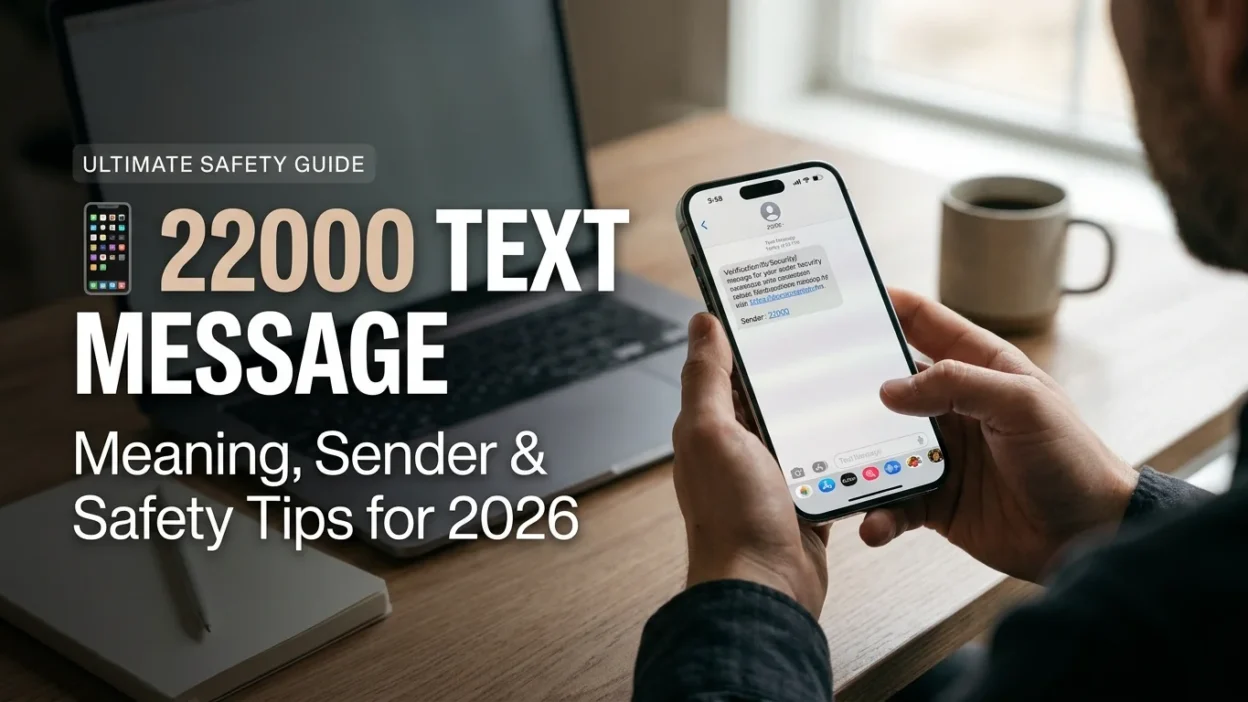
A 22000 text message is rarely a mystery once you know what you’re looking at. The number is Google’s official short code and the messages it sends are almost always verification codes tied to your Google account or the RCS chat features built into Android’s Messages app. That said, the experience of receiving one can still be confusing, especially if you weren’t trying to log in or if the messages keep arriving without explanation. This guide breaks down exactly what 22000 is, why it shows up on your phone, and what to do if the texts won’t stop.
What the 22000 Short Code Actually Is
Short codes are five- or six-digit numbers that businesses and services use to send automated SMS messages. Unlike a regular ten-digit phone number, a short code is designed for one-way or command-based communication. The number 22000 belongs to Google and appears on community-maintained lists of known SMS short codes as Google’s official verification sender .
When you see a message from 22000, it’s not a scammer using a random number. It’s Google’s system attempting to confirm something about your account or your device. The content usually follows a recognizable pattern: a short introductory phrase followed by a code that starts with “G-” and ends with six digits.
Why You’re Getting Texts from 22000
There are two primary reasons a 22000 message lands on your phone. Both are technical, and neither is inherently alarming, though the context matters.
Google Account Verification Codes
The most common scenario is two-step verification. If you have 2FA enabled on your Google account and someone attempts to log in from an unfamiliar device or browser, Google sends a verification code to the phone number on file. The message looks something like this: “G-123456 is your Google verification code” .
This is the system working as intended. However, if you receive a code when you weren’t trying to log in, it means someone else has your password and is attempting to access your account. That’s a signal to change your password immediately, not to ignore the message.
RCS Chat Feature Verification
A less obvious but increasingly common cause is the RCS (Rich Communication Services) verification system built into Google Messages. RCS is Google’s upgraded messaging protocol, and it verifies your phone number to enable chat features like read receipts and typing indicators. When you switch phones, swap SIM cards, or update the Messages app, Google may send a verification code from 22000 to re-establish the connection .
The confusing part is that these codes often arrive without any obvious trigger. You might get a message from 22000 saying “Your Messenger verification code is G-XXXXXX” when you haven’t touched your Google account settings in months. This happens when an old device is still connected to Wi-Fi and trying to re-verify RCS, or when the Messages app is attempting to reconnect after a network change .
How to Tell If a 22000 Message Is Legitimate
The short answer is that if the message comes from 22000 and contains a “G-” code, it’s almost certainly from Google. Scammers can spoof numbers, but 22000 is a registered short code that’s harder to impersonate than a regular ten-digit number.
That said, there are a few red flags worth noting. A legitimate Google verification message contains only the code and a brief instruction. It never asks you to click a link, call a phone number, or provide additional personal information. If a message claims to be from Google but pressures you to act urgently or directs you to an unfamiliar website, treat it as suspicious regardless of the sender number.
How to Stop the 22000 Messages
If the messages are arriving because of RCS verification, the fix is straightforward. Open the Google Messages app on your phone, tap the three-dot menu in the top right corner, go to Settings, then Chat features, and toggle off “Enable chat features” . This should stop the verification messages from being sent.
If you have multiple Android devices, the issue may be an old phone that’s still connected to Wi-Fi and trying to re-verify RCS. Check any devices you’re no longer actively using and disable chat features on them as well .
For Google account verification codes, the messages will stop once the login attempt is resolved. If you’re receiving codes repeatedly without initiating any logins, change your Google password and review the security settings on your account. Enabling or reconfiguring two-factor authentication may also help.
When 22000 Is Not Google: Regional Variations
Short codes are not universally standardized. While 22000 is Google’s code in the United States and several other markets, the same number can serve a completely different purpose in other countries. In Bangladesh, for example, 22000 is a news service short code used by Grameenphone to deliver content from twelve media outlets including The Daily Star and BBC Bangla .
This means that if you’re traveling or using a non-US number, a message from 22000 might not be from Google at all. The content of the message is the reliable indicator. A “G-” verification code points to Google. A news headline or subscription prompt points to a regional service.
The 22,000 Scam Confusion: What It Is and Isn’t
Search interest in “22000” sometimes overlaps with a completely unrelated scam narrative involving the rupee amount ₹22,000. Viral posts on social media have claimed that investing ₹22,000 can generate daily or monthly returns of ₹90,000 to ₹10 lakh, often using AI-generated deepfake videos of Indian Finance Minister Nirmala Sitharaman or other public figures . India’s Press Information Bureau has repeatedly flagged these claims as fake and confirmed that no such government-backed investment scheme exists .
This has nothing to do with the 22000 text message short code. The confusion arises because the number appears in both contexts. If you receive a text from 22000, it’s Google. If you see a social media advertisement promising massive returns on a ₹22,000 investment, it’s a scam.
Common Mistakes People Make with 22000 Messages
The biggest mistake is replying to the message. Short codes like 22000 are not designed for two-way conversation. Replying with anything other than standard commands like STOP or HELP won’t reach a person and may simply confirm that your number is active. For Google verification codes, there’s no reason to reply at all.
Another common error is ignoring unexpected verification codes. If you get a Google code from 22000 when you weren’t trying to log in, don’t dismiss it as a glitch. Someone may have your password. The code itself is useless to them without access to your phone, but the login attempt is a warning sign. Change your password and review your account activity.
People also tend to confuse the 22000 short code with spam or scam messages. While spoofing is possible, the far more likely explanation for a Google verification message is a legitimate technical process. The context of the message content tells you which it is.
What to Do If You Suspect Someone Is Trying to Access Your Account
If you receive a Google verification code from 22000 that you didn’t request, act quickly. Change your Google account password immediately. Review the list of devices signed into your account and sign out any unfamiliar sessions. Check your recovery email and phone number to make sure they’re still correct. If you haven’t already enabled two-factor authentication, do so now.
The verification code itself is not a security risk as long as you don’t share it with anyone. Google will never call or text you asking for the code. If someone contacts you claiming to be from Google support and asks for the code, it’s a scam.
Frequently Asked Questions
Is 22000 a scam number?
No. 22000 is Google’s registered short code for verification messages. Scammers can spoof numbers, but the 22000 code itself is legitimate. The content of the message is what matters. A real Google message contains a “G-” code and no links or requests for personal information.
Why do I keep getting verification codes from 22000?
The most likely cause is RCS chat feature verification, especially if you recently switched phones or updated the Google Messages app. An old device connected to Wi-Fi may be repeatedly trying to re-verify. Disabling chat features on the Messages app should stop the messages .
I didn’t request a Google code. Should I be worried?
Yes, but not panicked. An unexpected verification code means someone attempted to log into your Google account. They don’t have the code (it went to your phone), so they can’t get in. But they may have your password. Change it immediately and review your account security.
How do I stop RCS verification messages from 22000?
Open Google Messages, tap the three-dot menu, go to Settings > Chat features, and toggle off “Enable chat features.” If you have an old Android phone that’s still connected to Wi-Fi, disable chat features on that device too .
Can I reply STOP to 22000?
You can, but it may not do what you expect. For RCS verification messages, the STOP command isn’t the right fix. Disabling chat features in the app is the proper solution. For account verification codes, replying won’t stop future codes from being sent if someone continues trying to log in.
Is the 22000 short code used outside the US?
Yes, but not always for Google. In Bangladesh, 22000 is a Grameenphone news service short code . The number is not globally standardized, so the sender’s identity depends on your carrier and region.
Conclusion
A 22000 text message is almost always a verification code from Google, whether for account security or RCS chat features. The messages are legitimate, but they can become annoying if they arrive repeatedly due to an old device or a glitchy chat verification process. The fix for RCS-related messages is simple: disable chat features in the Messages app. For account verification codes you didn’t request, the right response is to secure your Google account immediately.
The key is context. A “G-” code from 22000 is Google doing its job. A message that asks for personal information, pushes you to click a link, or promises unrealistic financial returns is something else entirely. Knowing the difference keeps the short code from becoming a source of stress. 🔐

Mr. Abdullah is a passionate writer who creates engaging, helpful, and easy-to-understand content for readers. He enjoys sharing fresh ideas, useful insights, and inspiring stories through MessageWritingHub.


