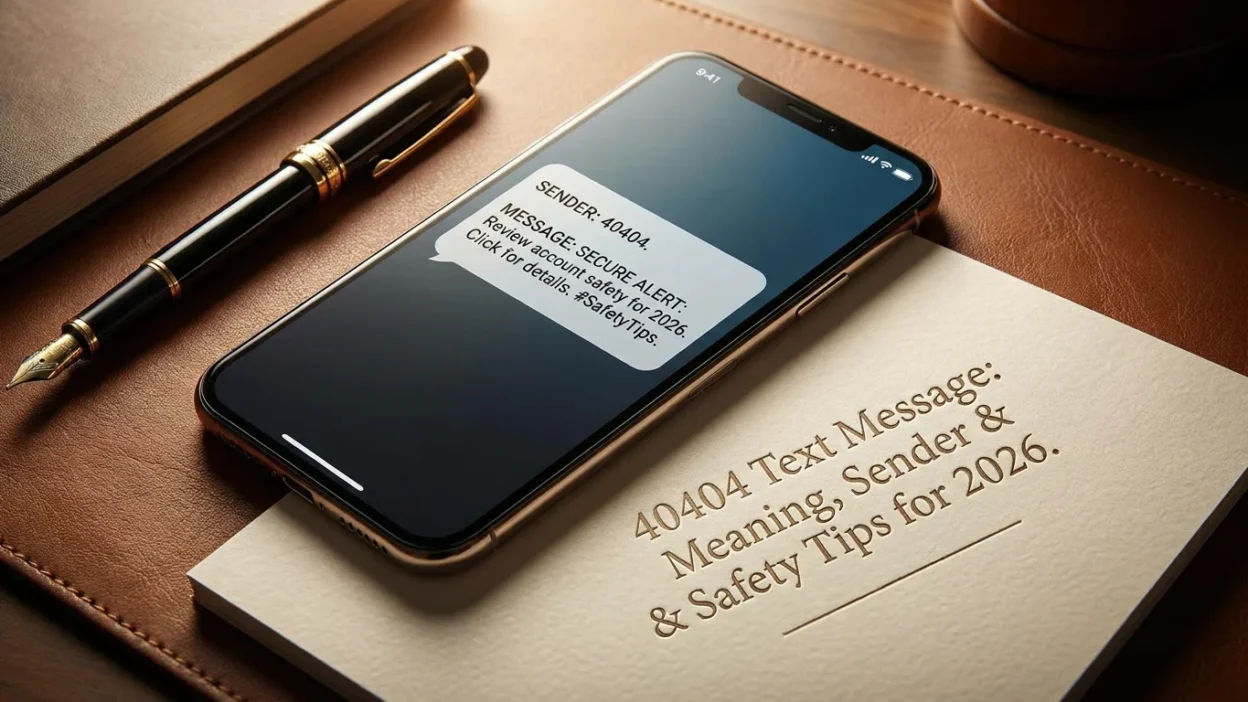
Getting a text from a five-digit number can feel like a digital mystery. If you’ve received a 40404 text message, the answer is usually straightforward: it’s tied to Twitter, now known as X. This short code was once the backbone of the platform’s SMS service, letting people tweet, receive notifications and follow accounts without a smartphone app. Today, the messages you get from 40404 are typically remnants of that system—often arriving because a previous owner of your phone number had linked it to their account.
Understanding why 40404 messages show up and how to make them stop requires a bit of context about how Twitter’s SMS integration worked and why it still causes headaches for people with recycled numbers.
The Origin of 40404 as a Twitter Short Code
Twitter’s relationship with SMS goes back to its early days. The platform’s 140-character limit existed specifically so tweets could fit into text messages. To make that work, Twitter set up short codes that users could text to post tweets, follow accounts, and receive updates. In the United States, 40404 became the primary short code for this service .
The system was genuinely useful in an era before ubiquitous smartphones. You could text “follow [username]” to 40404 and start receiving that account’s tweets as text messages. Sending a tweet was as simple as texting the content to the same number. For people without data plans or in areas with poor internet, it was a lifeline to the platform.
Why You’re Still Getting 40404 Messages Today
The short code hasn’t been retired, but its role has shrunk dramatically. Most people access Twitter through the app or website now, so the SMS feature is a niche tool. However, the messages persist for a few key reasons.
Your Number Was Previously Linked to an Account
This is the most common explanation. Phone numbers get recycled. When someone abandons a number, carriers eventually reassign it to a new user. If the previous owner had linked that number to their Twitter account for SMS notifications, the new owner inherits those messages. A 2014 lawsuit highlighted this exact problem, alleging that Twitter kept sending promotional texts to recycled numbers without verifying that the new owner had consented .
You Accidentally Opted In
It’s also possible that you signed up for SMS notifications at some point and forgot. Twitter’s settings allow users to enable text alerts for various activities—new followers, mentions, direct messages, or tweets from specific accounts. If you enabled these years ago and never turned them off, the messages will keep coming.
A Third-Party App Used Your Number
Some third-party services that integrate with Twitter can trigger SMS notifications if you authorize them and provide your phone number. A WordPress user reported receiving messages from 40404 after signing up for a service called TwitCountApp, which apparently used their Twitter authentication to access their number .
How to Stop 40404 Messages
The good news is that stopping these messages is usually simple. The method depends on whether you have access to the Twitter account that’s generating them.
If You Have a Twitter Account
Log into your account and navigate to Settings and privacy. Look for the “Notifications” section, then find the SMS or text message settings. From there, you can disable text notifications entirely or turn off specific alerts. This is the cleanest solution because it cuts the messages at the source.
If You Don’t Have a Twitter Account
This is the trickier scenario. If your number was linked to someone else’s account, you can’t log in to change their settings. The standard advice is to text STOP to 40404. In theory, this should remove your number from the notification list .
However, the 2014 lawsuit alleged that Twitter sometimes failed to honor STOP requests, particularly for recycled numbers . If texting STOP doesn’t work, try HELP to see what commands the system recognizes. Some users have reported success with OFF or QUIT as alternatives.
Blocking the Number
If opt-out commands fail, blocking 40404 through your phone’s settings is a reliable fallback. On both iPhone and Android, you can block short codes the same way you block regular numbers. This won’t remove you from Twitter’s internal list, but it will prevent the messages from reaching your phone.
What If 40404 Sends You Something Suspicious?
The 40404 short code is registered and legitimate, but that doesn’t mean every message is harmless. Scammers can spoof numbers, and phishing attempts sometimes masquerade as platform notifications.
A genuine Twitter SMS message usually contains a clear purpose: a notification about a tweet, a follower, or a login attempt. It typically doesn’t ask you to click a link to “verify” your account or provide personal information. If a 40404 message pressures you to act urgently or directs you to an unfamiliar website, treat it with suspicion. The safest move is to open the Twitter app or website directly rather than interacting with the message.
The Broader Context: Why Short Codes Cause Confusion
The 40404 situation illustrates a fundamental problem with short codes. These five- or six-digit numbers are leased by businesses, not permanently tied to a single brand. The same code can be used for different purposes in different countries, and there’s no universal directory that tells you who’s currently using a given code .
For users, this means the number alone doesn’t tell you much. What matters is the content of the message and whether you can connect it to a service you actually use. If you’ve never had a Twitter account and don’t recognize the context of the message, the most likely explanation is a number mix-up.
When the Messages Aren’t From Twitter
While 40404 is most commonly associated with Twitter in the United States, short codes can be repurposed or used by other services in different regions. The number itself isn’t a global identifier. If you’re outside the US or receiving messages that clearly aren’t Twitter-related, the sender could be a different organization entirely.
This is why relying on the number alone is risky. A message from 40404 claiming to be from your bank is almost certainly a spoof. Legitimate banks use their own registered short codes, not Twitter’s.
Common Mistakes to Avoid
Replying with Personal Information
Never reply to a 40404 message with personal details, passwords, or verification codes. Legitimate services don’t ask for this via SMS. If the message requests information, it’s a red flag.
Assuming STOP Always Works
While STOP is the standard opt-out command, the Twitter lawsuit suggests it doesn’t always function as expected for recycled numbers. If you’ve tried STOP and the messages continue, blocking the number is your next step.
Ignoring the Possibility of a Number Mix-Up
If you recently got a new phone number and started receiving 40404 messages, don’t assume someone is targeting you. The simplest explanation—that the previous owner linked the number to their account—is usually correct.
Frequently Asked Questions
Is 40404 a scam number?
No, 40404 is a registered short code associated with Twitter/X. However, scammers can spoof numbers, so the content of the message matters. A legitimate message will relate to Twitter activity. A suspicious message with links or requests for information should be ignored.
Why am I getting Twitter texts when I don’t have an account?
The most likely reason is that your phone number was previously used by someone who did have an account and enabled SMS notifications. When carriers recycle numbers, the new owner inherits those messages .
Does texting STOP to 40404 work?
It should, but it doesn’t always. The 2014 lawsuit alleged that Twitter failed to honor opt-out requests for recycled numbers . If STOP doesn’t work, try HELP or block the number through your phone settings.
Can I use 40404 to tweet without the app?
Historically, yes. You could text your tweet to 40404 and it would post to your account. This feature is largely deprecated in most regions, but the short code remains active for notifications .
How do I know if the 40404 message is from Twitter?
The message content will usually reference Twitter activity—a tweet, a follower, a mention, or a login alert. If the message claims to be from a different company or asks for personal information, it’s likely spoofed or misdirected.
Will blocking 40404 stop all Twitter texts?
Blocking the short code will stop messages from that number. If Twitter uses a different code in your region, you might still receive texts from that one. Disabling SMS notifications in your Twitter settings is the more thorough solution.
Conclusion
A 40404 text message is almost always a relic of Twitter’s SMS notification system, arriving either because you enabled alerts long ago or because your number once belonged to someone who did. The messages are rarely dangerous on their own, but they’re annoying and can be a sign that your number is tied to an account you don’t control.
The fix is usually simple: disable SMS notifications in your Twitter settings if you have an account, or text STOP and block the number if you don’t. And if a 40404 message ever asks for personal information or directs you to a suspicious link, trust your instincts. Legitimate platform notifications don’t work that way. 🛡️

Mr. Abdullah is a passionate writer who creates engaging, helpful, and easy-to-understand content for readers. He enjoys sharing fresh ideas, useful insights, and inspiring stories through MessageWritingHub.