📱 You glance at your phone and see a text from an unfamiliar number: 32665. You weren’t expecting it, and you’re not sure what it means. Is it spam? A scam? Or something legitimate you should pay attention to?
The 32665 text message is actually Facebook’s official short code, which spells “FBOOK” on a phone keypad . This guide explains everything you need to know about the 32665 short code, why Facebook is texting you, and how to manage these messages.
📌 What Is 32665 and Why Does Facebook Use It?
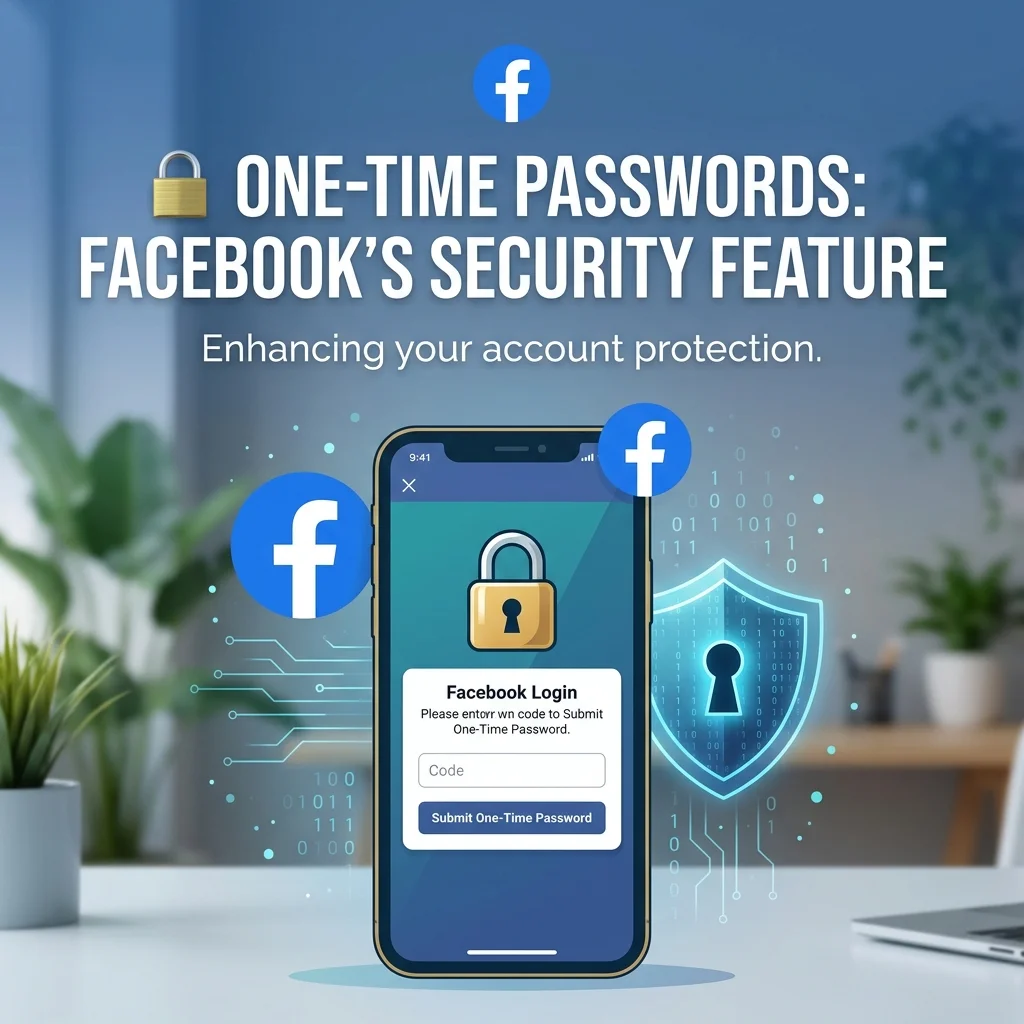
The number 32665 is a dedicated short code that Facebook uses globally to send text message alerts to users . Short codes are 5-6 digit numbers that organizations use for high-volume, automated messaging. The code 32665 corresponds to “FBOOK” on a phone keypad, making it easy to remember .
Facebook uses this short code for several important purposes. These include one-time passwords, account notifications, and two-factor authentication . When you receive a text from 32665, it is almost certainly related to your Facebook account activity.
🔐 One-Time Passwords: Facebook’s Security Feature
One of the most common reasons for a 32665 text message is the one-time password (OTP) feature. Facebook introduced this security measure to help users protect their accounts, especially when logging in from public or shared computers .
How It Works
If you are logging into Facebook on a public computer and don’t feel comfortable using your regular password, you can request a temporary one. Simply text the word “otp” (which stands for “one-time password”) to 32665 .
In response, Facebook sends you a temporary password. This password is alphanumeric and case-sensitive. It can only be used once, and it expires within 20 minutes of being issued . This provides an extra layer of security, as keyloggers and other malicious software cannot reuse the password after it expires.
When to Use This Feature
This feature is particularly useful in several situations:
- Public computers: When you must log in from a hotel, library, or airport terminal .
- Shared devices: When using a friend’s or family member’s phone or computer.
- Security concerns: When you suspect your device might be compromised.
The one-time password feature gives you peace of mind when accessing your account from untrusted environments . It was designed specifically to thwart keyloggers that might steal your permanent password .
Important Limitation
It is worth noting that one-time passwords are not available if you have two-factor authentication turned on . If you already use 2FA for your Facebook account, the OTP feature will not work.
📱 Account Notifications from Facebook
Beyond security codes, Facebook also uses the 32665 short code to send various account notifications. These messages keep you informed about activity on your account .
Types of Notifications You Might Receive
- Friend requests: When someone sends you a friend request.
- Messages: When someone sends you a message on Facebook or Messenger .
- Comments and interactions: When someone comments on your posts or tags you .
- Password reset confirmations: When you or someone else attempts to reset your password.
- Login approvals: When you log in from a new device or location.
- Birthday reminders: When a friend has a birthday .
- Friend confirmations: When someone confirms a friend request .
These notifications help you stay connected and aware of important account activity, even when you’re not actively using the Facebook app.
📨 Sending Updates Via SMS
In some regions, Facebook allows users to update their status or perform other actions by sending texts to 32665 .
How SMS Updates Work
If you have Facebook SMS set up, you can send texts to 32665 to interact with your account . For example:
- Update your status: Type any message and send it to 32665. Your status will appear on your Timeline .
- Comment on posts: Reply to notification texts to post comments .
- Confirm friend requests: Send responses to accept or decline friend requests .
- Like posts: Text “like” in response to notifications .
When you reply to a notification text, your response is posted as a status update or a reply to a comment on Facebook . This feature is particularly useful in areas with limited internet access.
Setting Up Facebook SMS
To set up Facebook SMS, you need to activate the service through your Facebook account settings . Once you’ve added your phone number, you can text the letter “F” to 32665 to get started . The service is supported in many countries and through various carriers .
🌍 Regional Variations of the 32665 Short Code
The 32665 short code is the primary number associated with Facebook in many countries, including the United States and the United Kingdom . However, Facebook may use different short codes in other regions.
According to Facebook’s official help documentation, you may need to use a different code from 32665 (FBOOK) depending on your country and network provider . For example, some users have reported receiving messages from a different sender route in the UK .
The specific short code can vary based on your country and carrier. If you receive a verification code from a different number, it may still be legitimate.
⚠️ Safety Considerations: Is 32665 a Scam?
The 32665 text message itself is legitimate when it comes from Facebook. According to multiple sources, this is Facebook’s official short code and is not a scam . However, it is important to be cautious, as scammers can spoof numbers to appear as legitimate senders.
How to Tell If a Message from 32665 Is Legitimate
- You initiated the action: If you just requested a one-time password or tried to log in, the message is legitimate.
- It contains a verification code: Facebook sends codes only when you or someone else attempts to access your account.
- It matches expected notification content: Friend requests, comments, and other notifications will be consistent with your account activity.
When to Be Suspicious
- Unsolicited verification codes: If you receive a verification code without requesting one, someone might be trying to access your account .
- Requests for personal information: Facebook will never ask for your password or sensitive information via text.
- Links to unfamiliar websites: While Facebook may include links, they should direct to facebook.com or fb.com.
If you receive a suspicious message, do not click on any links or share any personal information. Instead, log into your Facebook account directly through the official app or website to check for any security issues.
Reports of Glitches and Issues
Some users have reported receiving unsolicited messages from 32665 . Facebook clarified that this was a glitch in some cases . If you receive messages you didn’t request, you can opt out by texting “STOP” to 32665.
Users have also reported that if you have an old phone number associated with your account, messages may be sent to the new owner of that number . This can cause confusion for people who receive Facebook notifications for someone else’s account.
🛑 How to Stop Receiving 32665 Text Messages
If you are receiving too many messages from 32665, there are several ways to stop them.
Method 1: Text “STOP” to 32665
The easiest way to stop receiving notifications is to send “STOP” to 32665 . Once you send it, you will receive an immediate message that your SMS notifications have been successfully stopped .
Method 2: Via Facebook Settings
You can also stop notifications through your Facebook settings :
- Log in to Facebook from the app or website.
- Navigate to Settings & Privacy.
- Click on Settings.
- Tap on Notifications on the left menu.
- Under Notifications Settings, click on SMS.
- Change the setting to “Only about your account” or turn off SMS notifications entirely.
Method 3: Via Facebook App
On the Facebook mobile app :
- Launch the Facebook app.
- Tap on the Settings icon (hamburger menu).
- Find the Notification settings.
- Open Text Messaging.
- Edit the default notification option and unselect all options.
Method 4: Text “HELP” for Information
You can also text “HELP” to 32665 for more information about the service . Facebook will respond with details about the notifications you are receiving.
Important Note About Essential Notifications
You cannot opt out of essential security notifications like login alerts or verification codes. These are critical for account protection. However, you can unsubscribe from promotional and non-essential messages by following the steps above.
🔧 What to Do If You’re Not Receiving 32665 Texts
Sometimes, users need to receive a verification code from 32665 but cannot get it delivered. This can be frustrating, especially when you need to access your account.
Common Reasons for Delivery Issues
- Blocked short codes: Your phone or carrier may have accidentally blocked the 32665 short code.
- Message filtering: On iPhone, go to Settings > Messages > Unknown Senders and ensure filtering isn’t hiding the code.
- Spam folder: On Android, check if the message went to your spam folder.
- Carrier security apps: These may have their own blocked-message folders.
- Network issues: SMS messages may sometimes be delayed .
Basic Troubleshooting Steps
- Check blocked numbers: Ensure 32665 is not in your blocked contacts list.
- Clear app cache: On Android, clear the cache for your messaging app.
- Restart your phone: A simple restart can resolve many delivery issues.
- Request a new code: After making changes, request a fresh code rather than tapping resend repeatedly.
- Contact your carrier: If the issue persists, your carrier may be blocking the number at the network level.
❓ Frequently Asked Questions
What is 32665?
32665 is a short code that spells “FBOOK” on a phone keypad. Facebook uses it to send text message alerts and verification codes to users .
Why did I get a text from 32665?
You received a text from 32665 because Facebook sent you a notification or security code. This could be a one-time password, a login approval request, a friend request notification, a birthday reminder, or a security alert .
Is 32665 a scam text?
Not necessarily. The number 32665 is Facebook’s official short code . However, scammers can spoof numbers, so always verify the content of the message before taking action.
How do I get a one-time password from Facebook?
Text “otp” to 32665 from the phone number associated with your Facebook account . You will receive a temporary password that expires in 20 minutes .
How do I stop receiving texts from 32665?
You can text “STOP” to 32665 or adjust your notification settings in your Facebook account. You can also block the number, though this is not recommended.
What does “HELP” do when I text it to 32665?
Texting “HELP” to 32665 provides information about the service and how to use it, including how to stop receiving messages .
Do I get charged for texts to 32665?
Standard messaging rates typically apply when sending texts to short codes. However, receiving messages is usually free. Check with your carrier for specific charges .
What if I get an unexpected verification code from 32665?
If you receive an unexpected verification code, do not share it with anyone. It could mean someone is trying to access your account. Log into Facebook and change your password immediately .
Can I send status updates to 32665?
Yes, if you have Facebook SMS set up, you can text any message to 32665 and it will appear as a status update on your Timeline .
What if I receive messages from 32665 for someone else’s account?
This can happen if the previous owner of your phone number had a Facebook account linked to that number . You can text “STOP” to 32665 to stop receiving the messages.
✅ Conclusion
The 32665 text message is a legitimate communication channel that Facebook uses for security and notifications. Whether you receive a one-time password, a friend request alert, or a birthday reminder, understanding the purpose of this short code helps you respond appropriately.
If you receive an unexpected verification code, treat it with caution and secure your account. If you want to stop receiving messages, you can adjust your settings or text “STOP” to 32665. However, blocking the number entirely is not recommended, as it could interfere with important security features.
Remember that while 32665 is Facebook’s official short code, scammers can spoof numbers. Never share your verification codes with anyone, and always access Facebook through official channels. With this knowledge, you can confidently manage any 32665 text message you receive.

Mr. Abdullah is a passionate writer who creates engaging, helpful, and easy-to-understand content for readers. He enjoys sharing fresh ideas, useful insights, and inspiring stories through MessageWritingHub.