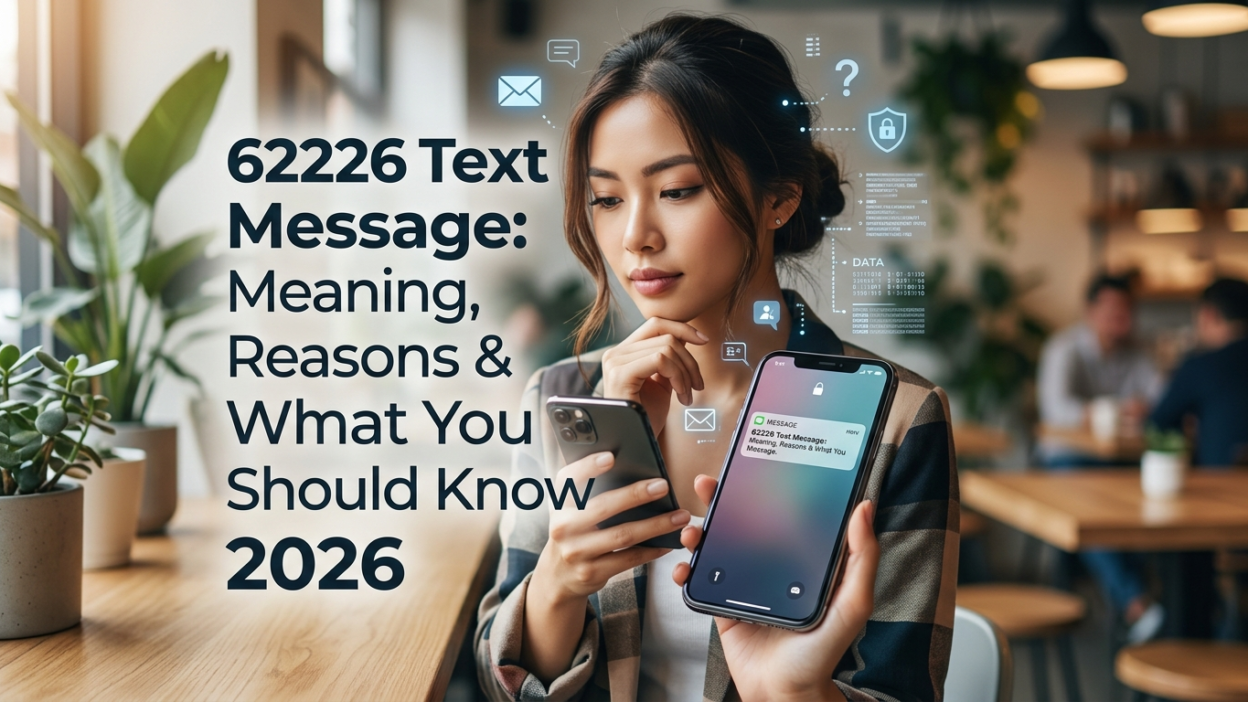
📱 You glance at your phone and see a text from an unfamiliar five-digit number: 62226. It claims to be from PayPal, asking you to verify a transaction or enter a security code. You weren’t expecting it, and you’re not sure what to do. Is it legitimate? Should you reply? Or is this some new type of scam?
The 62226 text message is actually PayPal’s official short code used in the UK and several other countries for security verification and transaction authorization. This guide explains everything you need to know about the 62226 short code, why PayPal is texting you, and how to distinguish legitimate messages from scams.
📌 What Is 62226 and Why Does PayPal Use It?
The number 62226 is a dedicated short code that PayPal uses for SMS communications with customers in the UK and other regions . Short codes are 5-6 digit numbers that organizations use for high-volume, automated messaging.
PayPal uses this short code for several important security purposes. These include transaction verification, security codes, and identity confirmation . When you receive a text from 62226, it is almost certainly related to your PayPal account activity.
🔐 Security Verification Codes
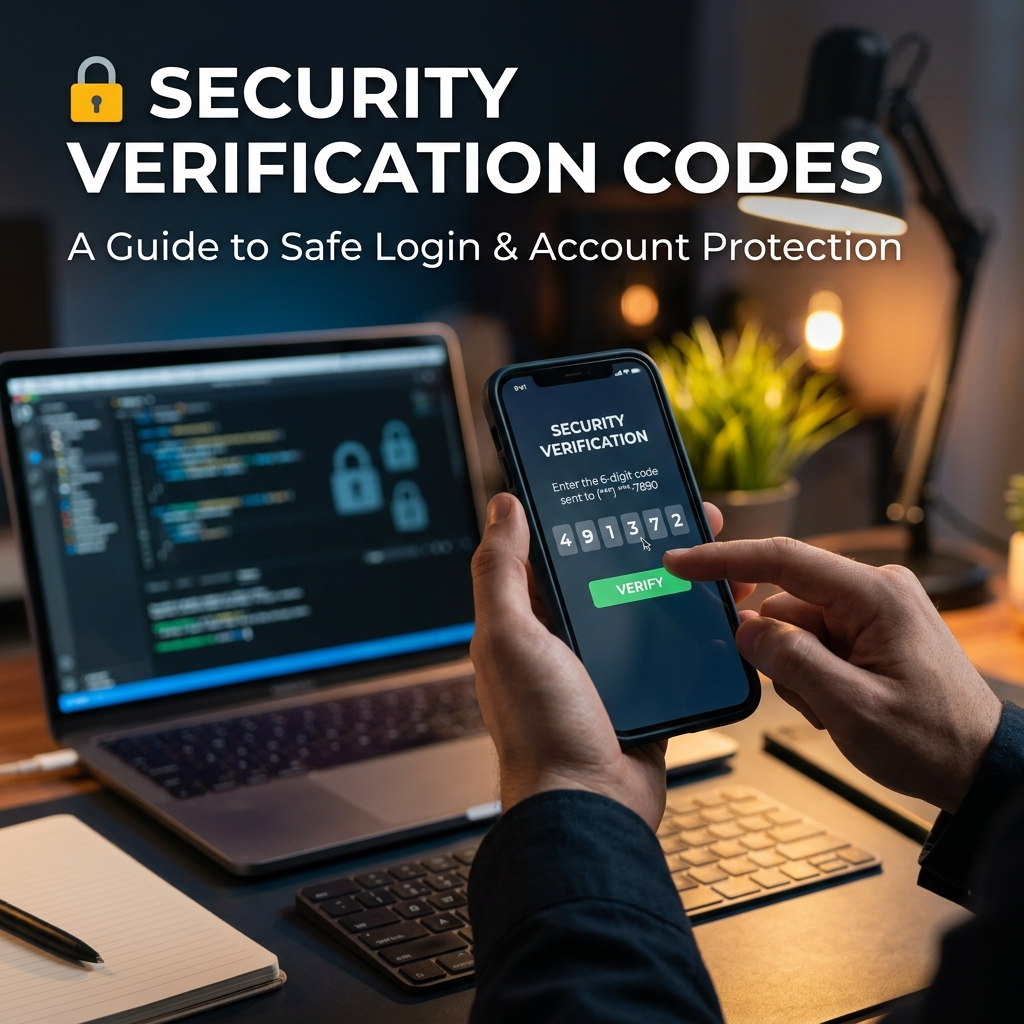
One of the most common reasons for a 62226 text message is a security verification code. PayPal sends these codes to confirm your identity when you perform certain actions.
When You Receive a Security Code
When you log into PayPal from an unrecognized device, attempt to make a payment, or perform other sensitive actions, PayPal sends a verification code to your registered phone number from 62226 . The message typically reads something like:
“PayPal: Your security code is: 828204. It expires in 10 minutes. Don’t share this code with anyone.”
These codes are time-sensitive and expire within 10 minutes . This ensures that even if someone intercepts the code, they cannot use it later.
Never Share Your Security Code
PayPal will never ask you to share your security code outside of their official login process. If someone calls you and asks for the code, it is a scam attempt. Treat these codes like passwords—keep them private.
📱 Transaction Authorization Messages
Another common use of the 62226 text message is for transaction authorization. PayPal sends these messages to confirm legitimate payments and prevent fraud.
How Authorization Works
When you make a payment, PayPal may send a text from 62226 asking you to confirm the transaction . The message typically includes:
- The amount of the transaction
- The merchant or recipient name
- The date of the transaction
- Instructions to reply “1” to authorize or “2” to deny
This extra layer of security helps prevent unauthorized transactions. If someone has stolen your PayPal credentials, they cannot complete a payment without your authorization.
Important Note About Charges
When you reply to messages from 62226, your mobile carrier may charge you for the text. Short codes are generally not covered by standard messaging allowances . PayPal does not charge for these messages, but your carrier may apply standard rates. This is worth keeping in mind if you receive multiple authorization requests.
🔍 How to Verify a 62226 Message Is Legitimate
While the 62226 text message is legitimate when it comes from PayPal, scammers can spoof numbers to appear as legitimate senders. Understanding the difference is essential for your safety.
Signs a Message Is Legitimate
- You initiated the action: If you just logged into PayPal or made a purchase, the message is likely legitimate .
- Accurate transaction details: The message correctly identifies the merchant and amount .
- No suspicious links: PayPal does not include links in security messages from 62226 .
- Addresses you by name: PayPal will address you by your full name in any communication. “Dear Customer” or “Dear Member” is a red flag .
Signs a Message Is Suspicious
- Unsolicited verification codes: If you receive a code without requesting one, someone might be trying to access your account.
- Requests for personal information: PayPal will never ask for your password or bank details via text.
- Suspicious links: Any link in a text from 62226 is suspicious. PayPal directs you to log in normally rather than clicking links .
- Urgent demands: Messages demanding immediate action or threatening account suspension are often scams.
What to Do If You’re Unsure
If you receive a message from 62226 and are unsure whether it is legitimate:
- Do not click any links
- Do not reply with any information
- Log into your PayPal account directly through the app or website (not via any link in the message)
- Check your transaction history to see if there is a matching transaction
- Contact PayPal directly through official channels if you have concerns
🛡️ What to Do If You Receive a Suspicious 62226 Message
If you receive a message from 62226 that seems suspicious, follow these steps to protect yourself.
Do Not Reply Immediately
If the message asks you to authorize a transaction you did not initiate, reply “2” to deny it . However, if the message seems entirely suspicious (links, requests for personal information), do not reply at all.
Verify Through Official Channels
Log into your PayPal account directly through the PayPal app or website. Check your recent transactions and messages to see if there is any legitimate activity.
Report Suspicious Messages
Forward suspicious texts to 7726 (SPAM) to report them to your carrier. You can also report scam attempts to PayPal directly through their official channels.
Change Your Password
If you receive unsolicited verification codes, it may mean someone is attempting to access your account. Change your PayPal password immediately and enable two-factor authentication if you haven’t already.
📋 How to Stop Receiving 62226 Messages
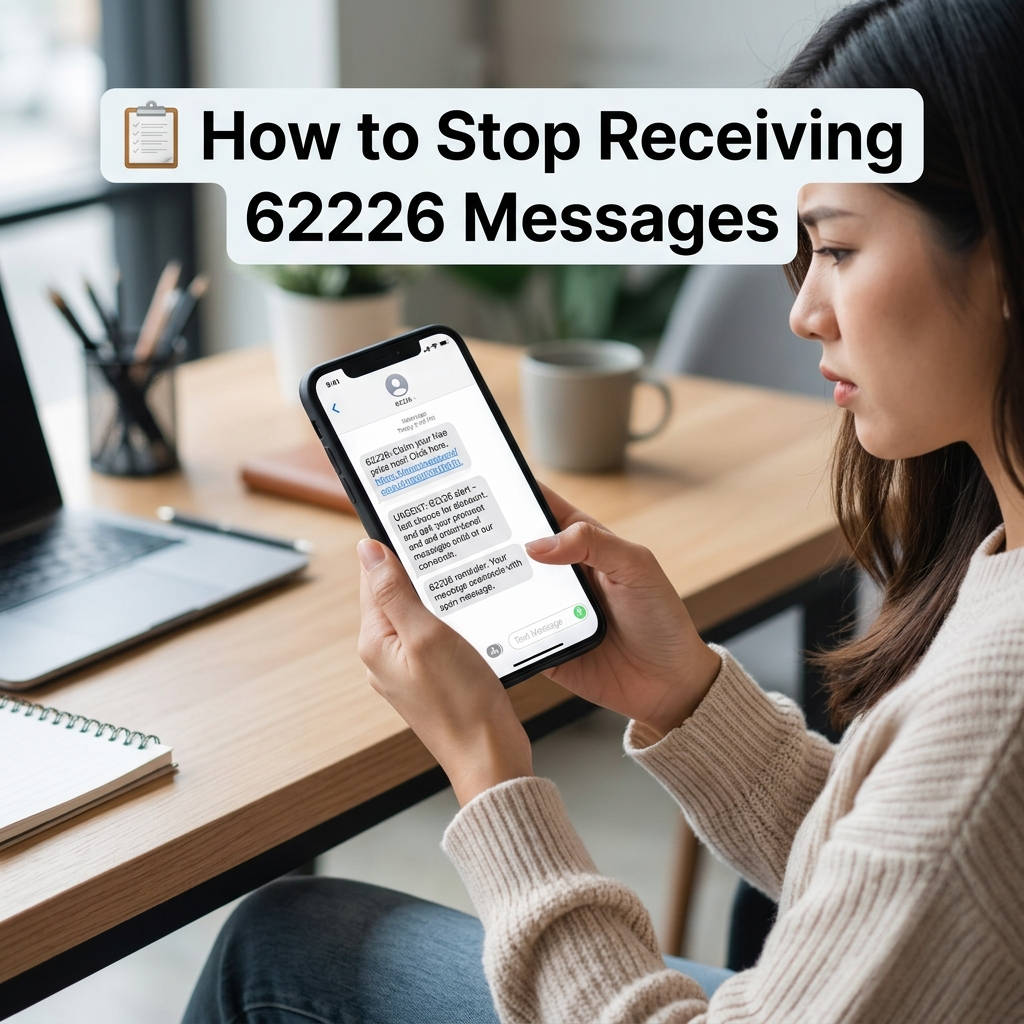
If you are receiving too many messages from 62226, there are limited ways to stop them, as these are security notifications.
Text “STOP” to 62226
You may be able to unsubscribe from PayPal’s SMS notifications by replying “STOP” to 62226. However, this likely only stops non-essential messages. Security codes and authorization requests are typically mandatory .
Adjust PayPal Notification Settings
Log into your PayPal account and navigate to your notification preferences. From there, you can manage which types of notifications you receive via SMS.
Important Note
You cannot opt out of essential security notifications like verification codes. These are critical for account protection. If you block the number entirely, you may not receive important security alerts.
❓ Frequently Asked Questions
What is 62226?
62226 is a short code that PayPal uses in the UK and other regions to send security verification codes and transaction authorization messages .
Why did I get a text from 62226?
You received a text from 62226 because PayPal sent you a security notification or transaction authorization request .
Is 62226 a scam text?
Not necessarily. The number 62226 is PayPal’s official short code . However, scammers can spoof numbers, so always verify the content of the message before taking action .
Should I reply to messages from 62226?
If the message asks you to authorize a transaction you initiated, you can reply “1” to authorize or “2” to deny . However, if the message is suspicious, do not reply.
Am I charged for replying to 62226?
Replying to short codes like 62226 may incur charges from your mobile carrier. Standard messaging rates apply, and these are often not included in messaging bundles .
What if I get an unexpected verification code from 62226?
If you receive an unexpected verification code, do not share it with anyone. It could mean someone is trying to access your account. Log into PayPal and change your password immediately .
Can I stop receiving texts from 62226?
You may be able to text “STOP” to 62226 to unsubscribe from some notifications. However, security codes and authorization requests are typically mandatory .
Does PayPal use 62226 in the US?
PayPal uses different short codes in different regions. The 62226 code is specifically used in the UK and certain other regions. US users may receive messages from a different short code .
✅ Conclusion
The 62226 text message is PayPal’s official short code for security verification and transaction authorization. While the code itself is legitimate, scammers sometimes spoof it to send phishing messages. Always check the content of messages, never share verification codes, and never click on suspicious links.
If you receive a legitimate message from 62226, you can safely reply to authorize transactions or enter codes during login. Be aware that replying may incur standard messaging charges from your carrier . For security codes, never share them with anyone, as PayPal will never ask for them outside their official platforms. With this knowledge, you can confidently manage any 62226 text message you receive.

Mr. Abdullah is a passionate writer who creates engaging, helpful, and easy-to-understand content for readers. He enjoys sharing fresh ideas, useful insights, and inspiring stories through MessageWritingHub.