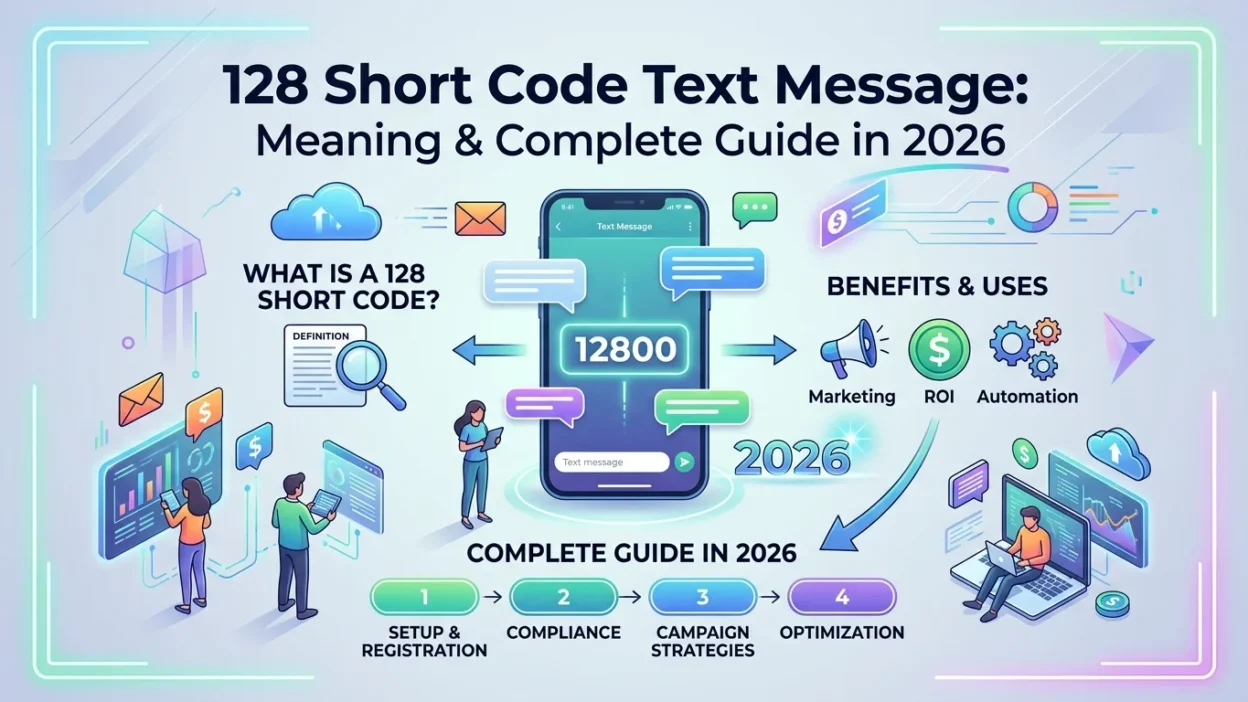
Have you ever opened your T-Mobile phone bill or usage log only to spot a mysterious entry listed as an incoming text from the number “128”? You are not alone. This is a common source of confusion for many mobile users, often raising questions about hidden charges, potential scams, or whether someone is secretly contacting you. The frustration of seeing an unfamiliar number on a bill can be unsettling, especially when you cannot find a corresponding message in your texting app.
The term “128 short code text message” typically refers to a system-level entry on your bill or usage log from this specific number. It is primarily a technical placeholder used by the T-Mobile network (including the former Sprint network) to log certain types of background activity, rather than a standard text message from a person or company. Understanding this distinction is the first step toward peace of mind.
It is important to know that the code itself is not a scam. However, if you see a charge associated with it, you may have been billed by a third-party service through this gateway. This article will break down why this code appears, what it means for you, what steps to take if you see an unexpected charge, and how to prevent future billing issues. By the end, you will have a complete understanding of this mysterious code and exactly how to manage it.
What the “128” Short Code Represents
The 128 short code is an internal system code used by T-Mobile, often logging non-SMS activity as a data event. It is a unique type of number, unlike the standard five- or six-digit short codes used by businesses for marketing campaigns, two-factor authentication, or customer service interactions. You cannot reply to it or start a conversation with it, as it is not designed for two-way communication.
The number 128 is essentially a network routing number used for behind-the-scenes functions. While it may appear in your usage logs as an “incoming text,” the message itself is a system event—not a conversation you had with anyone. Think of it as a digital footprint left by your phone’s background communication with the network, similar to how your computer might log system events without your direct knowledge.
Network-Specific Code
This specific code is exclusive to the T-Mobile network and its subsidiary brands, including Metro by T-Mobile and the former Sprint network. Other major carriers like AT&T and Verizon do not use the same internal codes for these purposes. This exclusivity helps explain why you might only encounter this if you are a T-Mobile customer. If you switch carriers, you are unlikely to see this same code on your new provider’s bill.
The code is deeply embedded in T-Mobile’s network infrastructure, and it has been used for many years. Longtime T-Mobile customers may recall seeing it on older bills as well, indicating that it is not a new phenomenon but rather a longstanding system feature that many users simply never noticed before.
Why Do You See a “128 Short Code Text Message” on Your Bill?
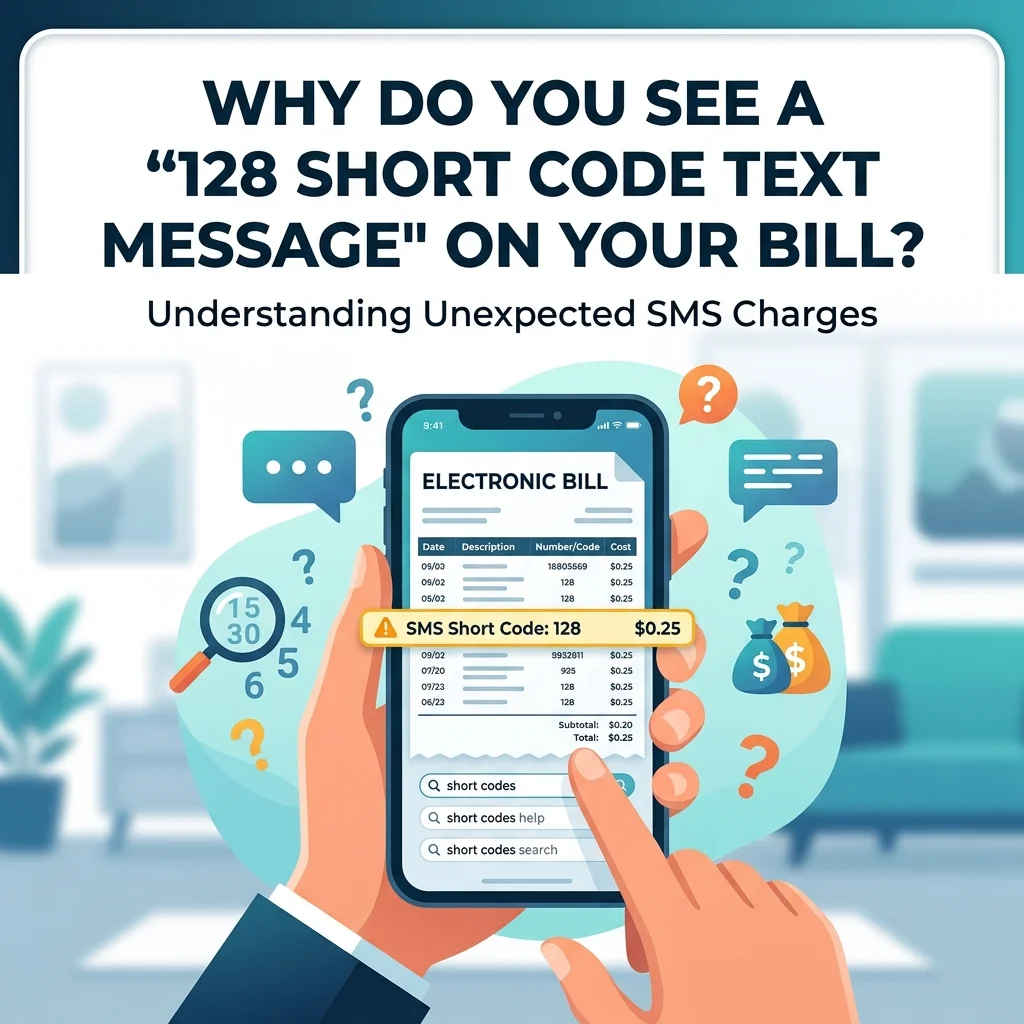
The appearance of the 128 code on your phone bill is usually triggered by routine, harmless network activity. Here are the most common reasons explained in detail:
Voicemail Notifications
The most frequent trigger for the 128 code is voicemail notifications. When someone leaves you a voicemail, the network sends a silent, behind-the-scenes notification to your phone to display the voicemail icon on your screen. This event is necessary for your phone to alert you that a message is waiting. However, because this notification is technically a type of message sent over the network, it gets logged. This behind-the-scenes event is often logged as a message from the 128 code.
This happens every single time you receive a voicemail, regardless of whether you listen to it immediately or let it sit. If you receive many voicemails, you may see multiple entries for 128 on your bill. Importantly, these notifications are free and do not incur any charges. They are simply a record of network activity.
Connected Device Synchronization
If you use connected devices like an Apple Watch, a cellular tablet, or T-Mobile’s DIGITS service with your phone number, the 128 code logs the background communication necessary to keep these devices synchronized. Modern consumers often have multiple devices linked to a single phone number, and maintaining that connection requires constant, low-level communication between the devices and the network.
For example, messages sent from your Apple Watch might be logged using this code. Similarly, if you use T-Mobile’s DIGITS feature to send and receive texts from your computer or tablet, those activities may generate 128 entries on your bill. This is not a sign of a problem; it simply reflects the complexity of modern connected ecosystems.
Multimedia Messaging Service (MMS) Delivery
The 128 code can also function as a gateway for delivering MMS (picture/video messages) or group texts, particularly when they are sent to or from users on different carriers. When you send a photo or video message, it does not travel through the same channels as a standard SMS text. It requires additional routing and data processing, and the 128 code may appear as part of that routing log.
Group texts, especially those involving participants from multiple carriers, can also trigger these entries. The network must coordinate delivery to various recipients, and the 128 code may serve as a routing reference. Again, this is normal network behavior and not a cause for concern.
Other System Events
Beyond these primary reasons, other system events can also generate 128 entries. These include network handoffs (when your phone switches from one tower to another), device registration upon powering on, and periodic network pings that keep your phone connected to T-Mobile’s infrastructure. Essentially, any background communication between your phone and the network has the potential to be logged under this code.
Why the “128 Code” Is Usually Not a Scam
A common concern is whether this mystery code is a scam. In almost all modern contexts, the code 128 itself is completely legitimate and does not indicate fraudulent activity. It is a carrier-controlled system number, and you are unlikely to receive an actual, visible text message from it asking you to click a link or provide personal information.
Scammers typically use recognizable phone numbers or common short codes to trick victims into responding. They want you to see a message and take action, such as clicking a malicious link or sharing sensitive data. Since 128 does not deliver visible messages, it is a poor vehicle for a scam. Scammers are more likely to use numbers that generate actual text notifications that appear in your messaging app.
However, the number 128 can serve as a “vehicle” for delivering charges from third-party services. If you see a billable amount associated with it, you may have unknowingly subscribed to a premium service (often referred to as “cramming”) like daily horoscopes, ringtones, or mobile games. The third-party company is the source of the unwanted charge; the 128 code is just how it appears on your T-Mobile bill. This distinction is crucial: the code is not the problem, but it can point you toward a problem.
When a “128 Short Code” Might Mean a Problem
While the code itself is not the problem, a charge on your bill associated with it is a clear indication that you need to take action. Ignoring such charges can lead to recurring monthly fees that add up over time. Many consumers have reported being charged $9.99 or more per month for services they never intentionally signed up for.
An Unwanted Charge
If you see a line item on your bill associated with 128 that shows a dollar amount, it is highly likely you have a subscription you did not want or forgot about. These charges often appear as “premium SMS” or “third-party content” fees. They can range from a few dollars to over twenty dollars per month, depending on the service.
Unexpected Subscription
This often happens by accidentally entering your phone number on a misleading website, clicking a deceptive ad, or simply forgetting that you signed up for a free trial that later converted to a paid subscription. Some websites use “dark patterns” designed to trick users into subscribing without realizing it. For example, a site might offer to show you a celebrity’s phone number or a free horoscope, but hidden in the fine print is a recurring subscription fee billed directly to your phone account.
Signs to Watch For
Beyond the obvious charge on your bill, other signs may indicate a problem. These include receiving unexpected SMS messages from unknown short codes, seeing unfamiliar charges on your bill, or noticing an increase in your monthly phone bill without a clear reason. If you experience any of these, it is wise to investigate.
How to Fix Unwanted Charges: Steps to Take
If you have discovered an unauthorized charge associated with the 128 short code, you should take immediate steps to cancel the subscription and block future charges. Here is a step-by-step guide:
Step 1: Identify the Merchant
Download the detailed version of your T-Mobile phone bill. Carriers are required by federal regulations to list third-party charges separately and clearly. Look in the “Third-Party Charges” or “Apps & Content Purchases” section of your bill. The bill must list the name of the company or merchant that placed the charge. This is the company you need to contact.
Often, the merchant name is something generic like “Mobile Services” or “Content Provider,” but it should include a phone number or website. Write down this information before proceeding.
Step 2: Contact the Merchant Directly
Once identified, contact that third-party company to cancel the subscription and request a refund. Be persistent; some of these companies make cancellation difficult on purpose. If you cannot find a valid contact number for the merchant, consider that a red flag. You can also search online for the merchant name to see if others have reported similar issues and found a successful cancellation method.
Step 3: Call T-Mobile to Block Future Charges
The most critical step is to call T-Mobile Customer Service by dialing 611 from your T-Mobile phone. Explain that you have an unauthorized third-party charge on your bill. Ask the representative to place a “Charged Content Block” or “Premium SMS Block” on all lines on your account. This is a free feature that permanently prevents any outside company from billing services to your T-Mobile account in the future, effectively neutralizing the threat posed by the 128 code and similar short codes used for “cramming.”
It is important to note that this block applies to all third-party charges, not just those from 128. If you use legitimate premium services, such as charity donations made via SMS, you would need to use alternative payment methods after this block is in place. However, for most users, the benefit of protection far outweighs the inconvenience.
Can You Block the 128 Short Code?
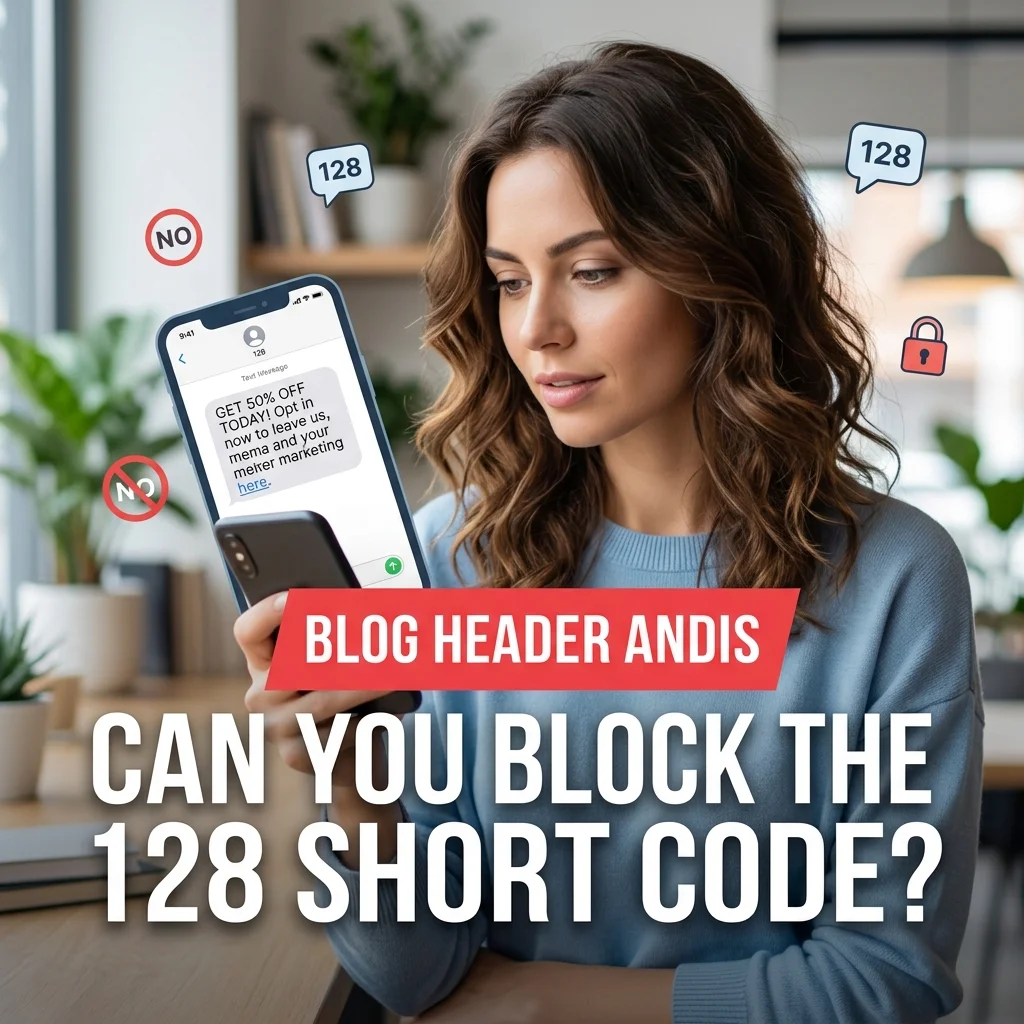
No, you cannot and should not attempt to block the 128 short code. Because it is a vital part of how T-Mobile’s network delivers essential services, including voicemail and device synchronization, blocking it would likely cause core functions on your phone and connected wearables to stop working properly. The code is an internal system placeholder, not a sender you can interact with.
T-Mobile’s network is designed to recognize and process messages from this code. Attempting to block it might interfere with voicemail delivery, prevent your Apple Watch from syncing, or cause other connectivity issues. As explained in the previous section, the correct approach to stop charges is to contact T-Mobile to block third-party content charges, not the 128 code itself.
A Deeper Look: The Technical Side of “128”
From a technical standpoint, the number 128 also appears in the context of mobile communication standards. The 3GPP standard for SMS defines a 7-bit alphabet that contains exactly 128 characters. This is the standard encoding for text messages in GSM networks, allowing up to 160 characters per message. While the network code and the SMS alphabet share the same number, they are distinct concepts. The “128 code” on your bill refers to the network system code, whereas “128” in encoding refers to the character set.
Understanding this distinction can be helpful if you are researching the topic online, as you might encounter both meanings. The network code is specific to T-Mobile, while the character set is a global telecommunications standard.
FAQ: Common Questions About the 128 Short Code
What does 128 mean on my phone bill?
On your T-Mobile bill, a 128 entry is a system short code used to log background network activities such as voicemail notifications and device syncing. It is not a message from a person or business.
Is the 128 short code a scam?
No, the 128 code itself is a legitimate T-Mobile system number. However, it can be the billing gateway for unwanted third-party premium services. The code is not the scam; the unknown charge is the issue.
How do I stop charges from 128?
Call T-Mobile (dial 611 from your phone) and ask them to place a “Charged Content Block” or “Premium SMS Block” on your account. This will prevent all third-party charges in the future.
Will I receive a text message from 128?
Usually not. The 128 code appears as a log entry on your bill, not as a message in your texting app. If you do receive a visible message from 128, it is likely a system notification, not a personal text.
Why is 128 texting me?
You are not receiving a text from 128. The entry you see on your bill is a log of a system event. Your phone is not displaying a message from this number.
Can 128 charge me without my permission?
The code itself cannot charge you. However, third-party companies can bill through this gateway if you have inadvertently subscribed to a service. Always review your bill carefully.
Is 128 only on T-Mobile?
Yes, this specific code is used exclusively by T-Mobile and its subsidiary networks. Other carriers have their own internal system codes.
What if I see multiple 128 entries on my bill?
Multiple entries are normal and simply reflect multiple network events, such as several voicemail notifications or device syncs. Unless there is a charge associated with them, they are nothing to worry about.
Conclusion
The “128 short code text message” is a source of confusion for many T-Mobile customers. Understanding that it is a legitimate, internal system code used for voicemail, device syncing, and MMS delivery can put your mind at ease. The code itself is not a scam and is not a direct threat to your privacy or security. However, it is crucial to be vigilant.
If you see a charge on your bill associated with this code, it means you have been billed by a third-party service and need to act. By calling T-Mobile to block future “Premium SMS” charges, you can permanently stop unwanted charges and protect your account from similar issues in the future. This simple step can save you money and frustration, giving you peace of mind that your bill reflects only the services you actually use.

Mr. Abdullah is a passionate writer who creates engaging, helpful, and easy-to-understand content for readers. He enjoys sharing fresh ideas, useful insights, and inspiring stories through MessageWritingHub.